





Whether you’re a full-time web developer or a hobbyist coder. Here are the 6 best chrome extensions for developers that can make coding fun and help them streamline their workflow and improve productivity.
In this guide, we’ll go through the top 6 chrome extensions that any developer should use.
1. Web Developer
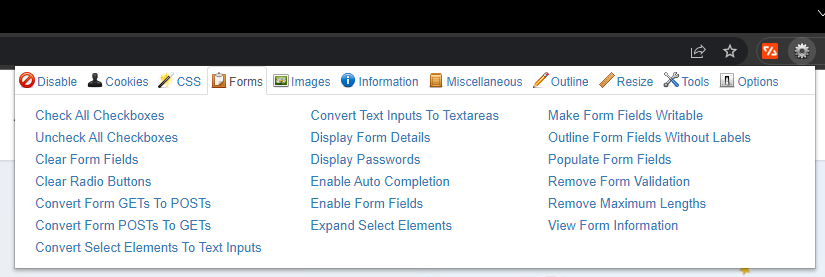
Web Developer is a must-have chrome extension for developers. This wonderful extension adds a toolbar to the browser with various web developer tools. It’s really handy when developing websites and it provides you with a complete package to view different aspects of a website. It provides you the flexibility to disable/enable plugins, cookies, view dimensions, and check all checkboxes with just a single click.
2. Window Resizer
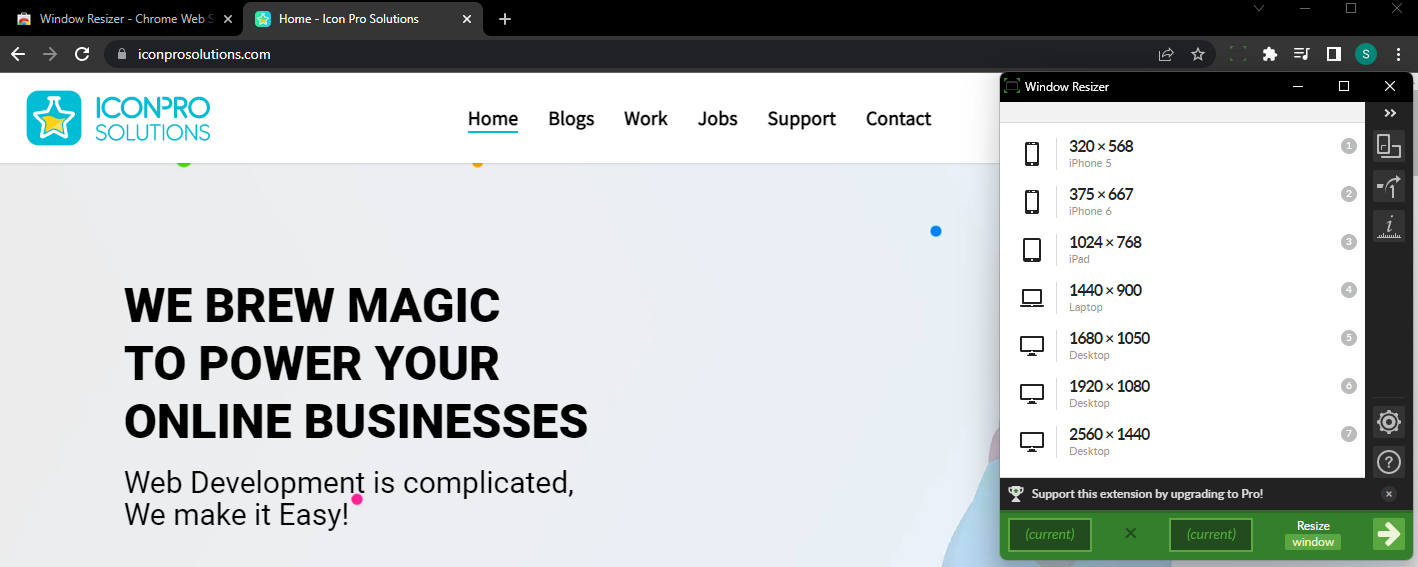
Window Resizer is a famous chrome extension that allows you to simulate various screen resolutions when designing the page. This is an essential tool for developers which allows them to adjust or resize the page to their desired dimensions/values. They can add various screen sizes for different screens i.e. mobile, tablet, desktop, etc.
3. CSS Peeper
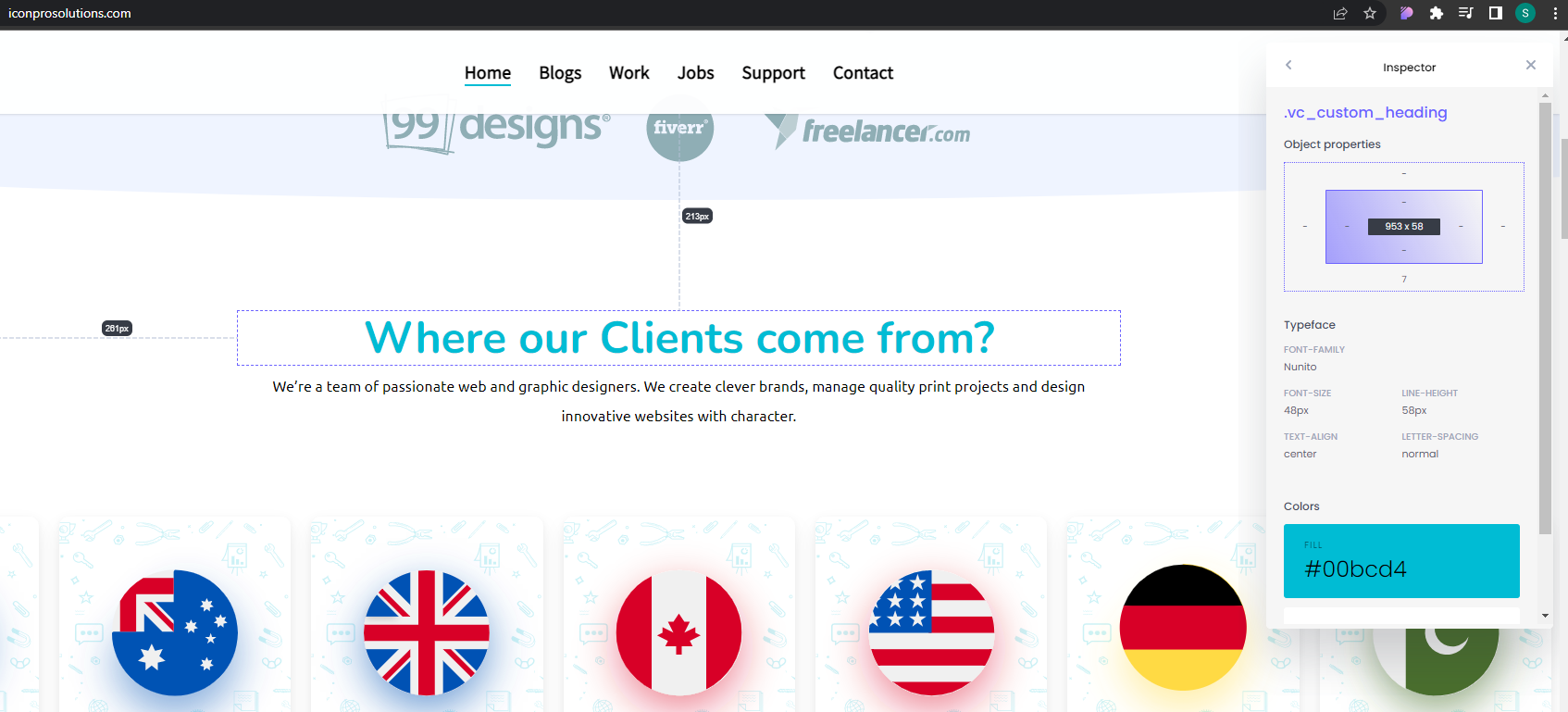
CSS Peeper is a wonderful extension for developers who wants to instantly know about specific CSS properties on a page i.e. line height, font, and button size. With CSS Peeper, developers don’t have to go through the hassle of inspecting an element and finding the code of that element. CSS Peeper comes with a built-in inspector tool that displays the selected element information with just a click.
4. ColorZilla
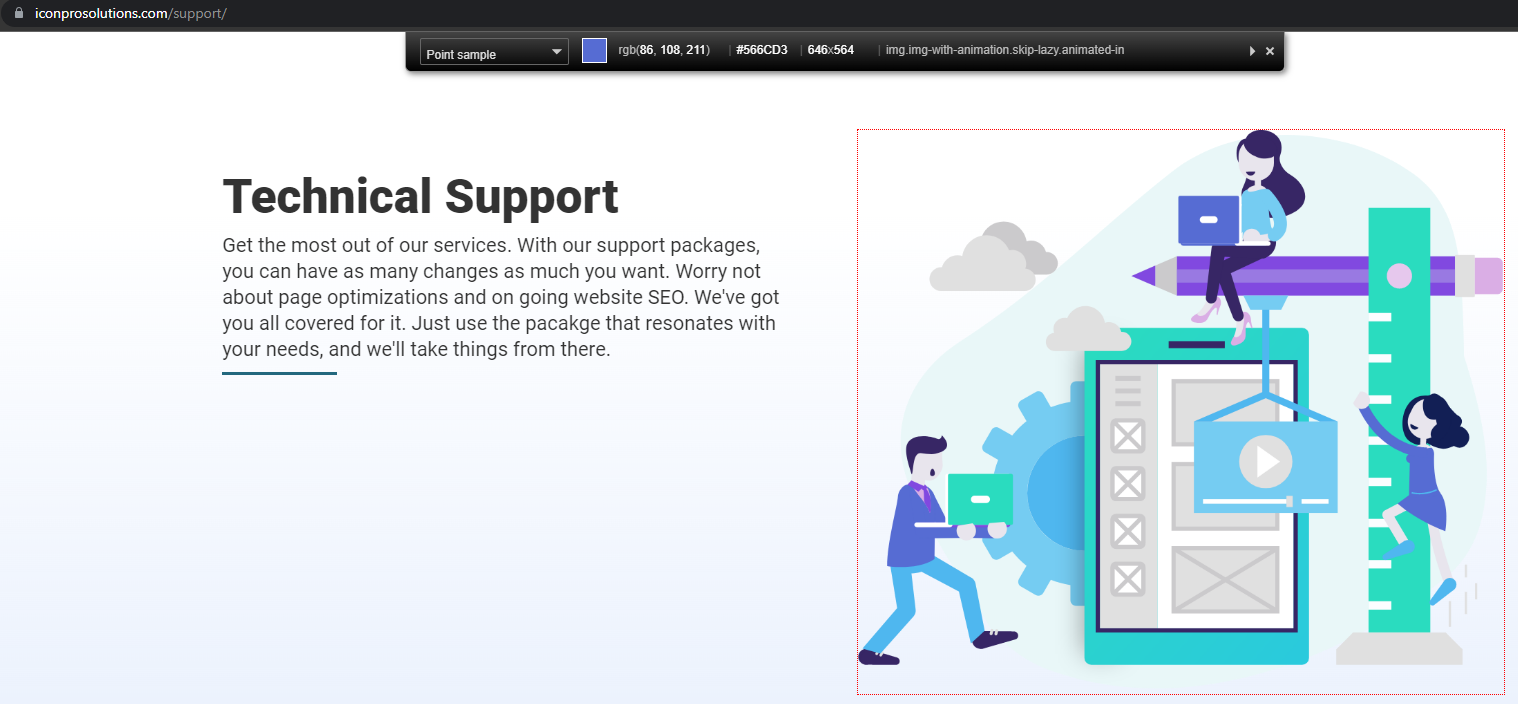
ColorZilla allows you to read the color value from any pixel in your browser and paste it to your code editor. As you click on the extension, it starts to read and display the color information as long as you hover your cursor on the page elements. Clicking on a color element will automatically copy the color value to your clipboard which you can work on later.
5. Wappalyzer
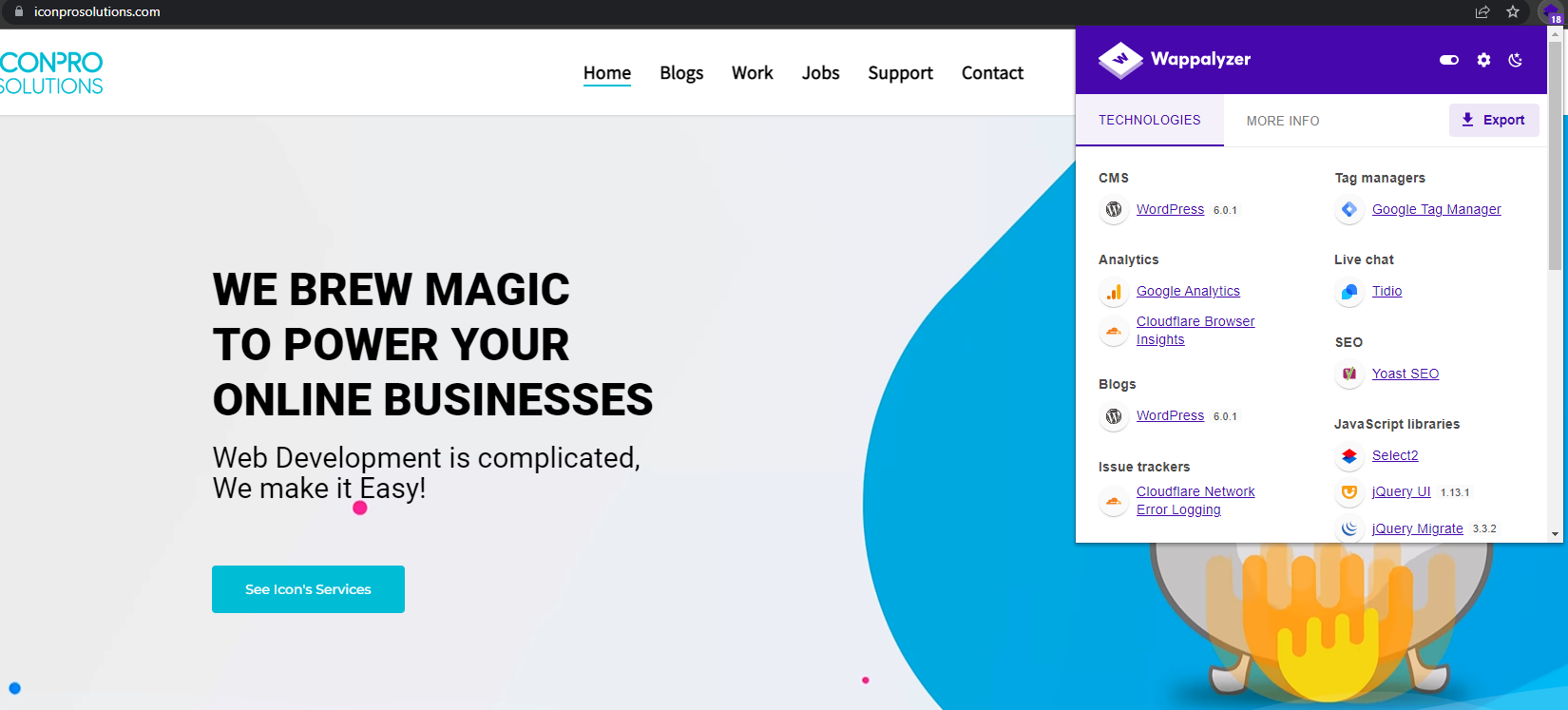
Apart from having the coolest extension name on this list, Wappalyzer is a very effective plugin to identify the underlying features of a webpage. It identifies web services, CMS types, analytics, plugins, and more. If you want to learn all the features of a webpage, this is a great way to find out.
6. CSS Viewer
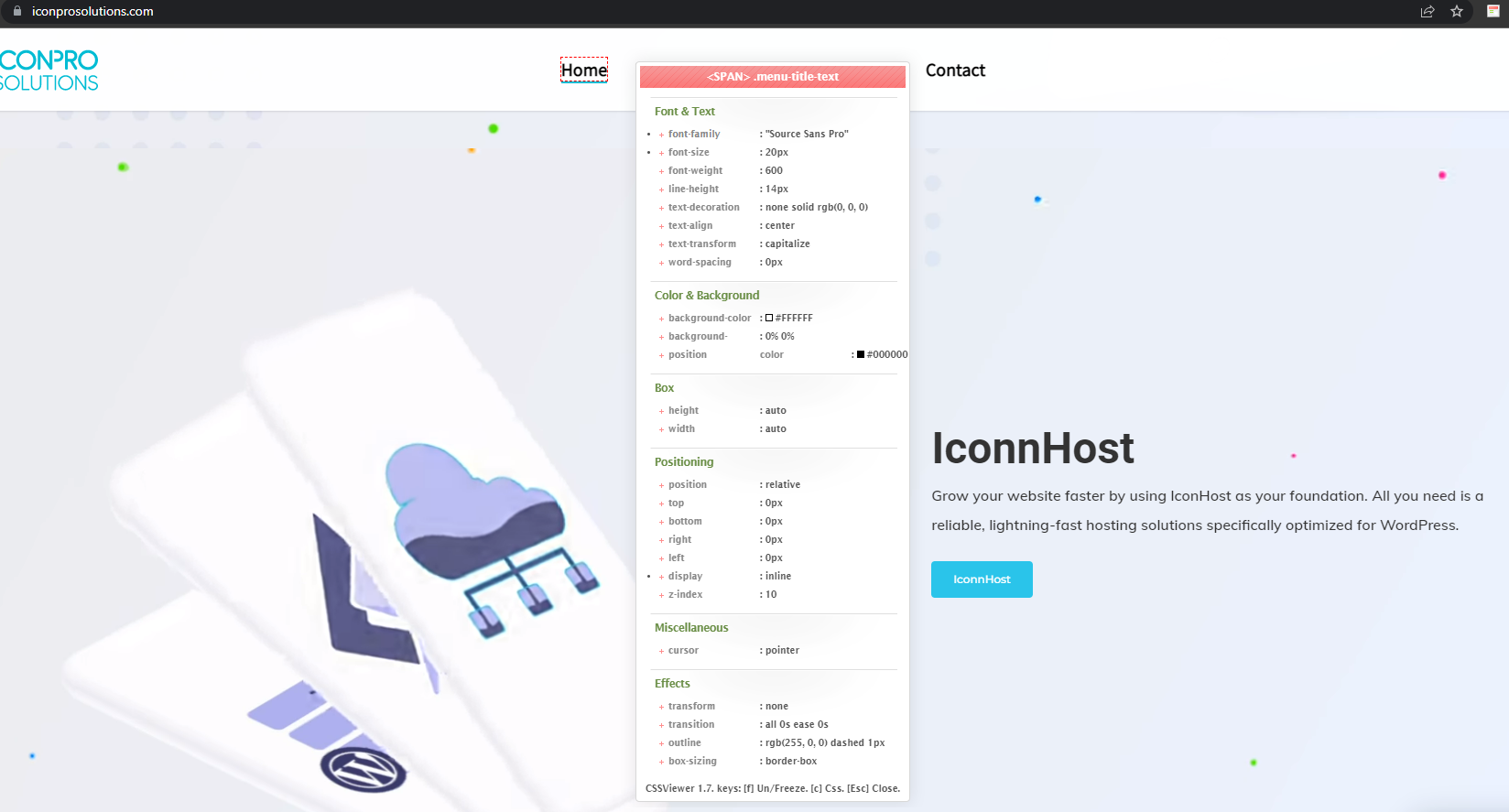
CSSViewer is another simple yet effective chrome extension for web developers. As its name implies, this plugin shows you the CSS properties of a given web page. As you hover your cursor on the page elements, a small popup window appears that shows you the CSS data that makes up the elements you’re pointing at. This is a very smart extension for identifying key CSS properties anywhere you point your mouse.