



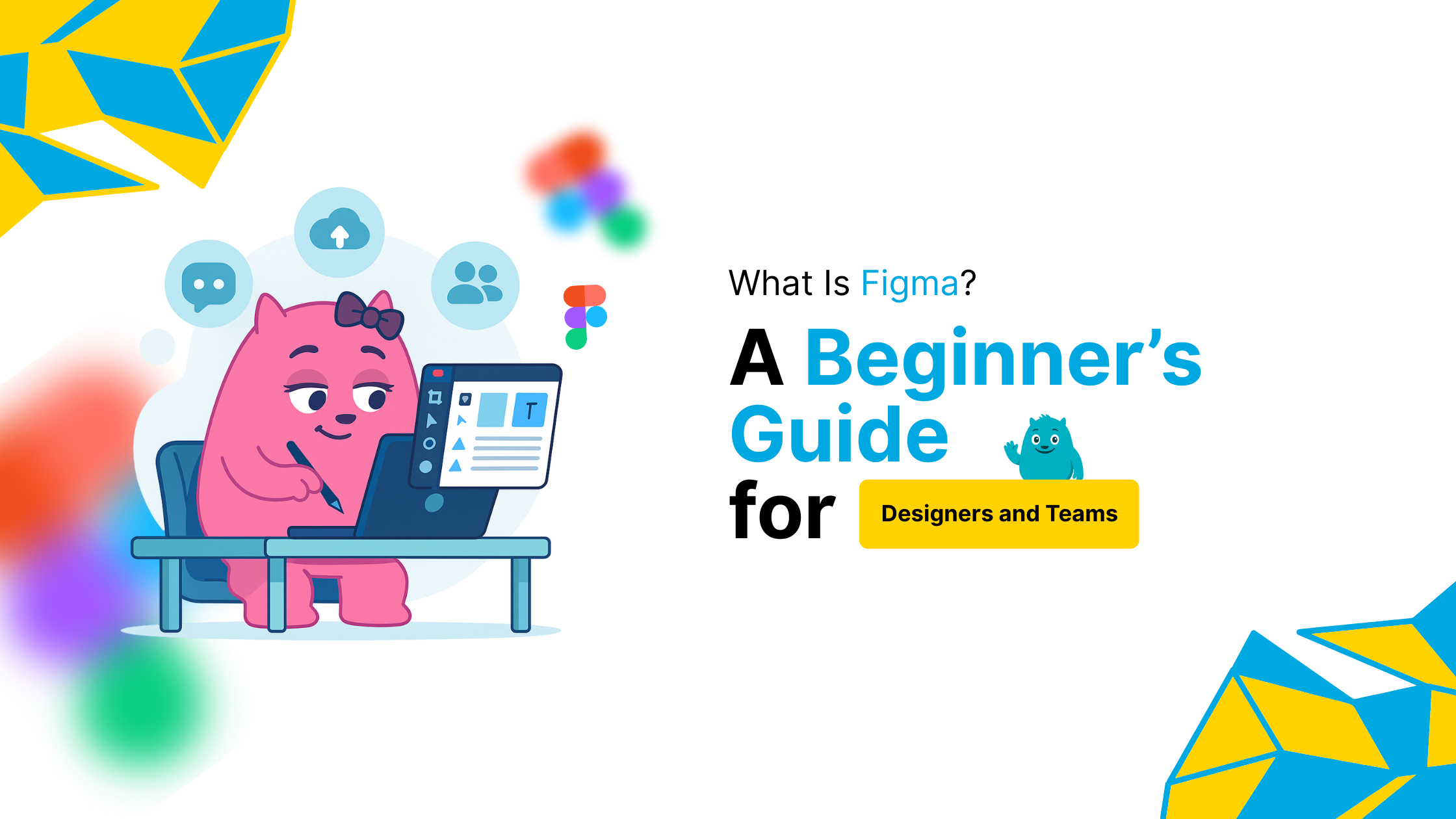
What Is Figma? A Beginner’s Guide for Designers and Teams
If you’re wondering what is Figma, you’re not alone. Figma is one of the most powerful design tools used by professionals across the globe. It’s a browser-based interface design tool that helps teams collaborate in real-time. Whether you’re building an app, website, or user interface, Figma simplifies your workflow.
What Is Figma Used For in Design Projects?
Figma is primarily used for creating wireframes, UI mockups, interactive prototypes, and design systems. It supports vector editing and has intuitive features like auto layout, components, and design tokens. With Figma, designers can work on the same file simultaneously—no syncing or versioning headaches.
What Is Figma’s Role in Collaborative Design?
Unlike traditional tools, Figma allows developers, marketers, and designers to leave comments, inspect code, and export assets—directly from the design file. Its real-time collaboration feels like working in a Google Doc for design.
Key Features That Make Figma Stand Out
-
Real-time collaboration on design files
-
Component libraries to maintain consistency
-
Auto layout for responsive designs
-
Prototyping with smooth transitions and interactions
-
Version history to track design changes
-
Browser-based access without installing heavy software
These features make Figma ideal for teams working remotely or across different time zones.
What Is Figma’s Impact on UI/UX Workflow?
Figma streamlines the handoff between designers and developers. The inspect panel lets developers copy CSS directly. UX writers, researchers, and stakeholders can also participate without needing a paid license. This makes design truly collaborative.
What Is Figma in Comparison to Other Tools?
Compared to Sketch or Adobe XD, Figma requires no installation, works on all devices, and offers powerful cloud features. It’s easier to onboard new team members, share files, and get feedback quickly. No wonder it’s a favorite in both startups and enterprises.
Is Figma Free to Use?
Yes, Figma has a generous free plan for individuals and small teams. It offers up to 3 Figma files, unlimited personal files, and unlimited collaborators. Paid plans unlock team libraries, analytics, and advanced permission controls.