



Figma Uses: How Designers Work Smarter, Not Harder
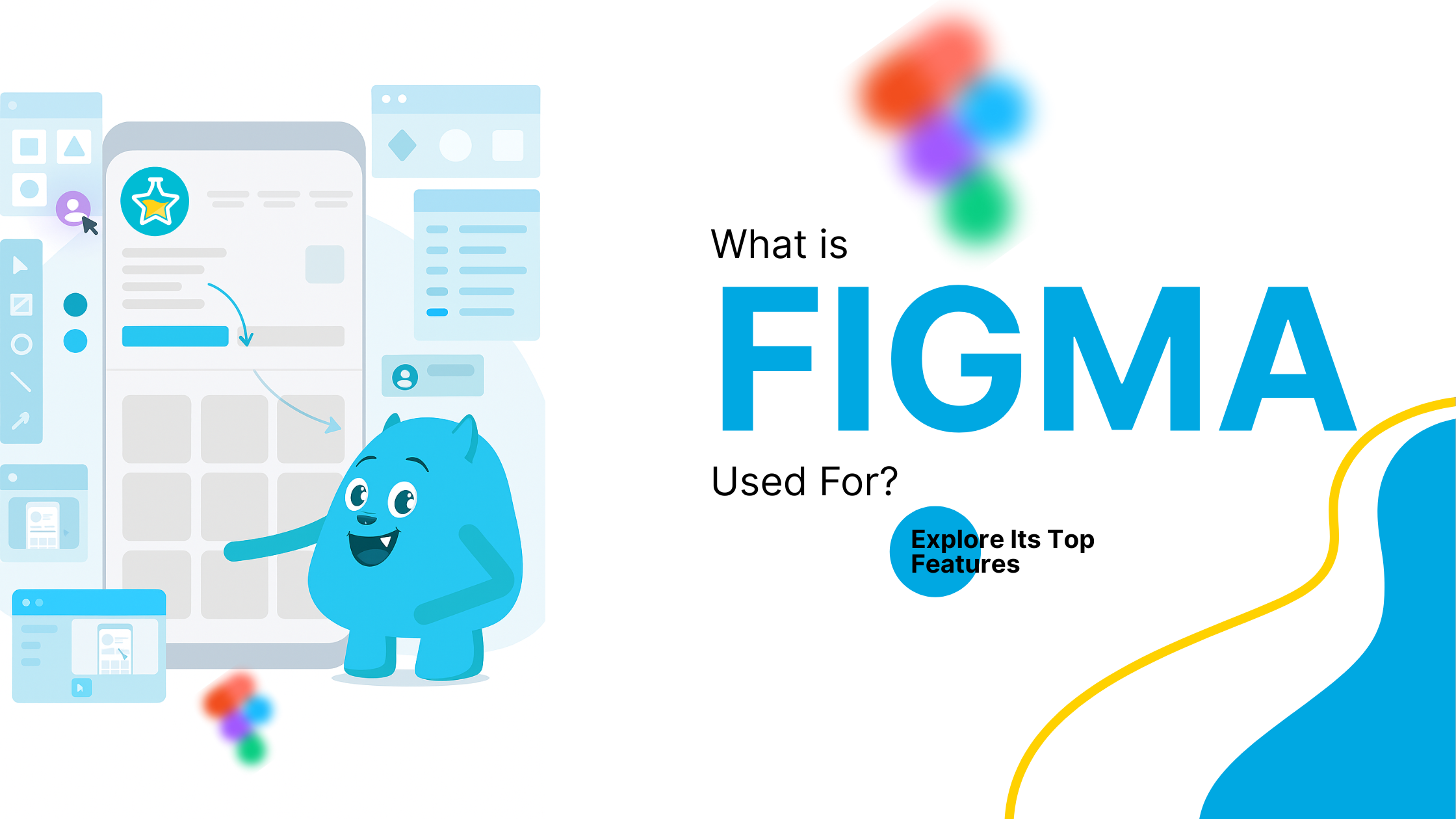
Figma is a cloud-based design tool with real-time collaboration and smooth handoff features. It has become a go-to solution for product teams, agencies, and startups that need to move fast and stay consistent.
Let’s break down exactly what Figma is used for, and how it helps streamline your workflow.
Key Figma Uses in Daily Design Work
Interface Design
Figma offers a clean and intuitive workspace to design user interfaces for websites and apps. It supports responsive layouts, auto layout features, and reusable components that help teams build consistent UIs at scale.
Prototyping
You can connect screens with transitions and interactions to create fully functional prototypes. These allow stakeholders to test the flow and experience before development begins—without switching tools.
Design Systems
Managing components and shared styles becomes simple with Figma. You can create a single source of truth for colors, typography, and elements used across projects. This ensures brand consistency and speeds up design work.
Developer Handoff
With built-in inspection tools, developers can grab CSS, iOS, or Android properties right from the Figma file. No need for third-party plugins or back-and-forth emails.
Collaboration and Communication Made Easy
Figma shines when multiple people work together. Designers, product managers, and developers can comment, edit, and review designs at the same time—just like Google Docs. This speeds up feedback loops and keeps everyone aligned.
You can also create shared links to view or collaborate, no need for uploads or downloads.
Additional Figma Uses Beyond UI Design
-
Brainstorming and whiteboarding (via FigJam)
-
Mood boards and visual inspiration
-
Branding assets
-
Mobile-first wireframes
-
Presentation decks and mockup kits
-
Low-fidelity user flows
Why Teams Rely on Figma
Figma reduces tool fatigue. You can brainstorm, design, prototype, and hand off—all in one place. It’s also browser-based, so there’s no setup time. Teams get started quickly and work from anywhere.
And thanks to real-time updates, everyone stays in sync. No more wondering which file is the latest version.
Final Word on Figma Uses
Whether you’re designing a simple landing page or a complex dashboard, Figma helps you move fast, collaborate better, and stay organized. Its versatility makes it a smart choice for modern teams who want efficiency without sacrificing creativity.