




Generate a CSS Color Gradient
background-image: linear-gradient(to right, #000F23, #00355A, #005A91, #007FC8, #00A8E3);
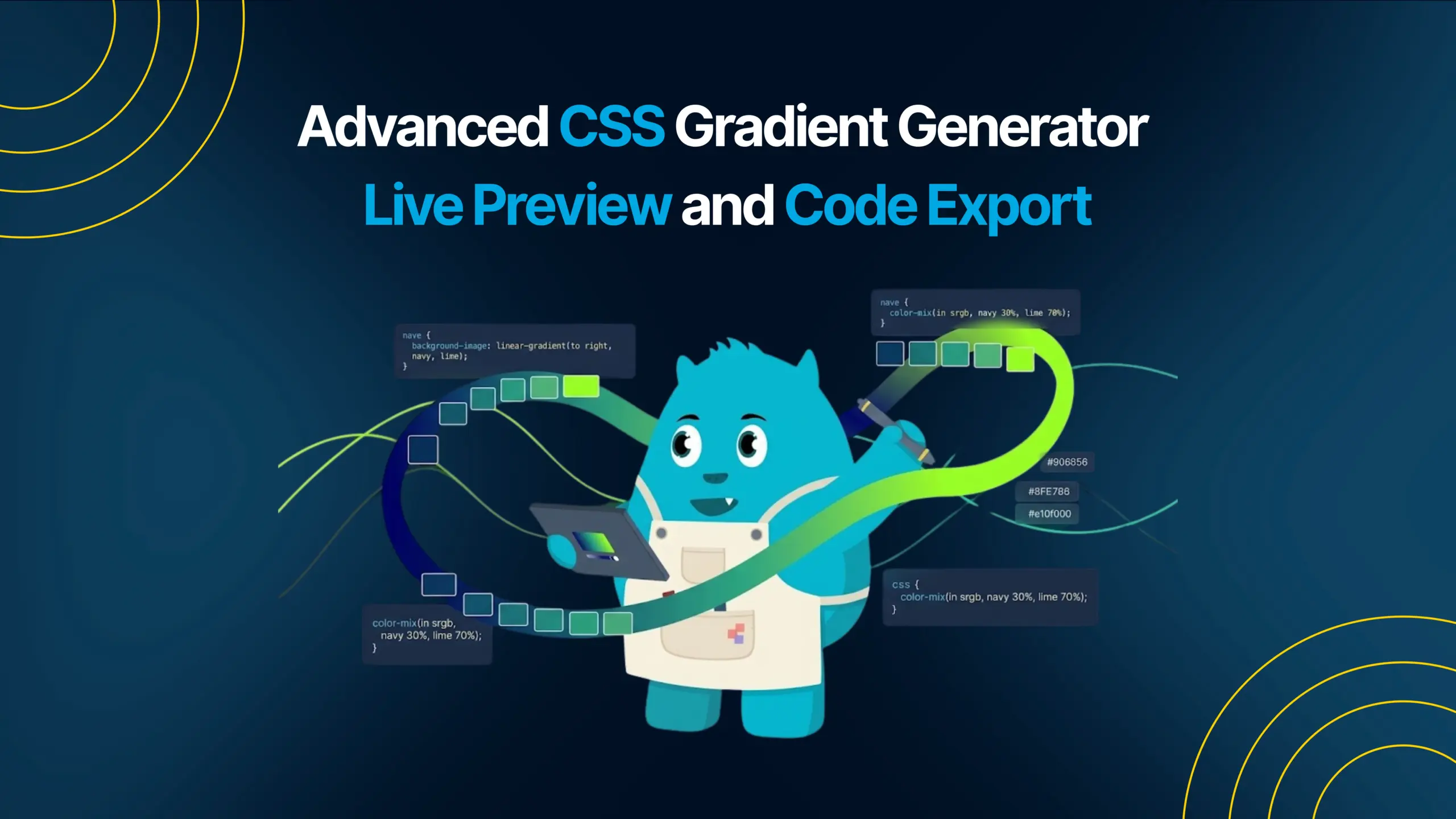
Most CSS gradient generators feel outdated the moment you start using difficult color combinations. Bright gradients hide white controls. Dark backgrounds make buttons disappear. The interface and the preview often feel disconnected, slowing down the creative process.
This CSS Gradient Generator was built to solve that problem with a fully interactive interface that stays visible and responsive on any background.
At Icon Pro Solutions, we create fast, browser based developer tools designed for usability, performance, and modern workflows. This tool transforms the entire gradient into a live interactive workspace instead of separating the controls from the result.
What Is a CSS Gradient Generator?
A CSS Gradient Generator is a tool that helps developers and designers create gradient backgrounds visually while automatically generating the CSS code needed for websites and applications.
Instead of manually writing complex gradient values, users can choose colors, directions, and styles interactively while seeing instant results in real time.
This makes gradient creation faster, easier, and more visually accurate during UI and web design workflows.
How This CSS Gradient Generator Works
Unlike traditional gradient tools that use a small preview box, this generator applies the gradient directly to the entire application background.
Every color change instantly transforms the whole interface, creating a more immersive and responsive editing experience.
The controls sit directly on top of the live gradient, allowing users to interact with the final result instead of switching constantly between settings and preview sections.
Built for Visibility on Any Background
One of the biggest problems with most gradient generators is visibility. Light controls disappear on bright gradients while dark controls become unreadable on darker backgrounds.
This tool uses adaptive contrast styling to keep every button, color pill, and text label readable regardless of the colors underneath.
The interface automatically adjusts outlines, shadows, and text contrast based on brightness levels so controls remain accessible and easy to use.
Smoother Gradient Blending
Many basic gradient generators only blend between two colors directly, which can create muddy or uneven transitions.
This CSS Gradient Generator improves color quality by creating multiple evenly spaced color stops automatically.
The result is a smoother and more natural gradient transition that looks cleaner in modern UI design, landing pages, backgrounds, and branding work.
Multiple Gradient Directions and Radial Support
The generator supports multiple linear gradient directions including horizontal, vertical, and diagonal layouts along with radial gradient support.
Users can instantly switch between directions and see the background update live without refreshing the page or generating a new preview manually.
This creates a faster workflow for testing design ideas and experimenting with different visual styles.
Interactive Color Controls
The tool uses interactive color pills instead of traditional form inputs.
Each color pill acts as both a visual preview and an editable color input. Users can type hex values directly or open the native browser color picker instantly.
This creates a cleaner and more intuitive editing experience compared to older gradient editors.
Real Time Updates Without a Generate Button
Most gradient generators require users to click a Generate button after making changes. This tool removes that extra step completely.
Every interaction updates the gradient instantly in real time including color selection, hex value editing, and direction switching.
The result is a faster and smoother workflow that feels more responsive during design experimentation.
Copy Ready CSS Output
Once the gradient is finalized, the tool generates clean CSS code ready to paste directly into any project.
The generated CSS works across all modern browsers and does not require additional vendor prefixes.
This makes the tool useful for developers, designers, freelancers, agencies, and students working on modern web interfaces.
Why This CSS Gradient Generator Is Different
-
Live background rendering: The gradient itself becomes the editing interface.
-
Adaptive visibility: Controls stay readable on both dark and bright gradients.
-
Smoother color transitions: Multiple color stops create cleaner blending.
-
Instant interaction: Every change updates in real time.
-
No frameworks required: Everything runs inside a lightweight single HTML file.
Who Should Use This Tool?
-
Web developers: Create production ready CSS gradients quickly.
-
UI designers: Experiment with modern color combinations visually.
-
Freelancers and agencies: Speed up landing page and branding workflows.
-
Students: Learn how modern CSS gradients work in real projects.
A Modern Approach to CSS Gradient Design
Most design tools separate the interface from the final result. This CSS Gradient Generator takes a different approach by turning the output itself into the editing experience.
The result feels faster, more immersive, and more natural because every interaction happens directly on top of the live gradient being created.
Instead of simply generating gradients, the tool creates a workflow where experimenting with color becomes immediate, visual, and intuitive.