



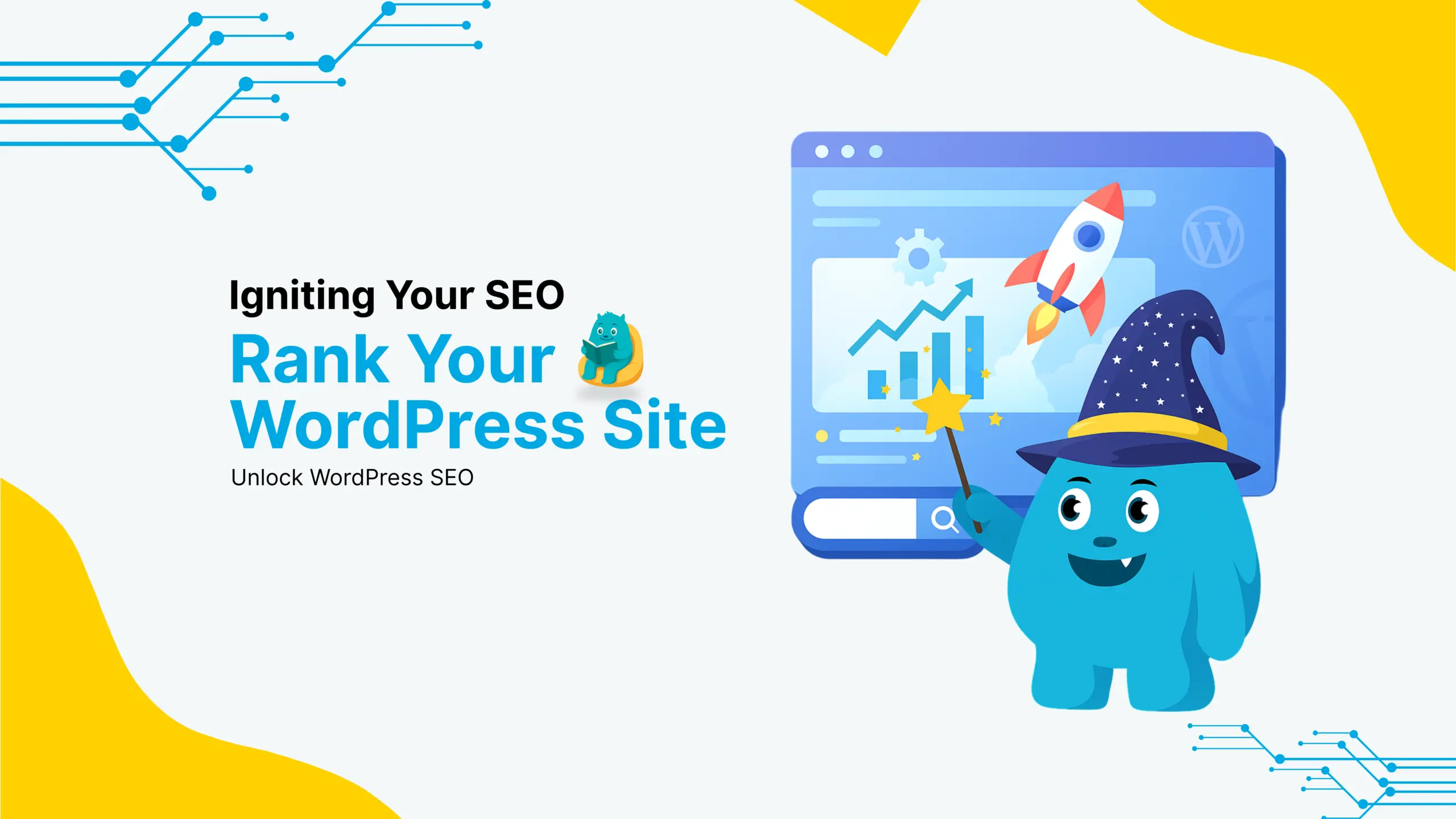
Igniting Your WordPress Site for Search Engine Success
A WordPress site can be one of the strongest tools for business growth. When it is prepared for search engine success, it attracts more visitors, increases engagement, and helps you reach the right audience. Search engine success means your site appears higher in results so users can find you easily.
In this post, we will explain how to optimize your WordPress site for search engine success with practical and clear steps. These tips help improve visibility, drive more traffic, and support better user experience.
Start With Clear Site Goals
Before you begin optimization, it is important to know what you want your site to achieve. Do you want more customers, more leads, or more awareness? When your goals are clear, it becomes easier to choose the right keywords, design pages with purpose, and create content that speaks to your audience.
Clear goals help shape every decision you make on your site.
Improve Site Speed and Performance
Website speed is a key factor for search engine success. Slow sites frustrate users and may be ranked lower in search results. Improving site performance makes pages load faster and keeps visitors engaged.
Optimizing images, reducing unnecessary scripts, and using fast hosting help your WordPress site work smoothly. When your site loads quickly, users stay longer and search engines recognise that your site delivers a better experience.
Use Relevant Keywords Naturally
Search engines match users with content that answers their queries. Choosing the right keywords helps your site appear when users search for what you offer.
Instead of targeted phrases repeated without reason, focus on placing keywords naturally in your headings and content. Think from a user’s point of view and choose phrases that match what your audience is likely to type into search.
Create High Quality and Useful Content
Search engines reward content that is informative, relevant, and useful. High quality content helps solve problems, answer questions, and keep users interested. This improves the chance of ranking well in search results.
Write content that speaks clearly to your audience, covers important topics, and provides value rather than just repeating keywords. Useful content builds trust with users and search engines alike.
Organize Your Site With Clear Structure
A well structured site helps both users and search engines find information easily. Use clear headings, organised menus, and logical page flow so visitors can navigate without confusion.
Each page should focus on a specific topic, and related pages should link to each other. Easy navigation increases the time visitors spend on your site and helps search engines understand your content better.
Optimize Images and Media
Images are a powerful part of any website. They make content more engaging, but they can slow page speed if not optimized. Compressing images to the right size improves load times without reducing quality.
Use descriptive text for image titles and labels so search engines understand what each image shows. This makes your content more accessible and improves search performance.
Use Search Friendly Titles and Descriptions
Search engines rely on page titles and descriptions to determine what your content is about. When titles and descriptions are clear and descriptive, search engines are more likely to include your pages in relevant results.
Keep titles concise and include your main keyword near the beginning. Descriptions should briefly explain what users will find on the page, encouraging them to click and explore.
Improve Mobile Experience
Most users now browse the internet on mobile devices. A WordPress site that works well on phones and tablets is more likely to keep visitors engaged and perform better in search results.
Make sure your site design adapts to different screen sizes, buttons are easy to click, and text is readable on small screens. Mobile friendly design improves user experience and boosts search performance.
Use Internal and External Links Wisely
Internal links help guide users through related content on your site. They also help search engines understand how pages are connected. External links to trusted sources show that your content is well informed and useful.
Use links to connect relevant pages and guide users to valuable information. This improves both user experience and search visibility.
Monitor and Improve With Analytics
Search success is an ongoing process. Monitoring site performance with analytics tools shows you what is working and what needs improvement. These insights help you refine your content, improve speed, and adjust keywords to better match user behaviour.
Tracking user engagement, popular pages, and search performance gives you real data to guide improvements.
Plan for Long Term Search Success
Search engine success does not happen overnight. It requires clear goals, consistent quality, and long term effort. Focus on making your WordPress site useful, fast, and easy to use. When search engines recognise value in your content, they reward your site with higher visibility.
Better search performance leads to more visitors, better engagement, and stronger business results.
FAQs
Q1: How long does it take to see results from WordPress SEO? A1: SEO is a long-term process. You may start seeing results within 3-6 months, depending on competition and effort.
Q2: Can I do WordPress SEO without plugins? A2: Yes, but SEO plugins make optimization easier by handling meta tags, sitemaps, and technical settings.
Q3: What’s the best free SEO plugin for WordPress? A3: Yoast SEO and Rank Math are the most popular free SEO plugins.
Q4: Does site speed really impact SEO rankings? A4: Yes! Google prioritizes fast websites, so optimizing speed can improve your rankings.
Q5: How do I track my WordPress SEO performance? A5: Use tools like Google Search Console, Google Analytics, and Ahrefs to monitor traffic and keyword rankings.