



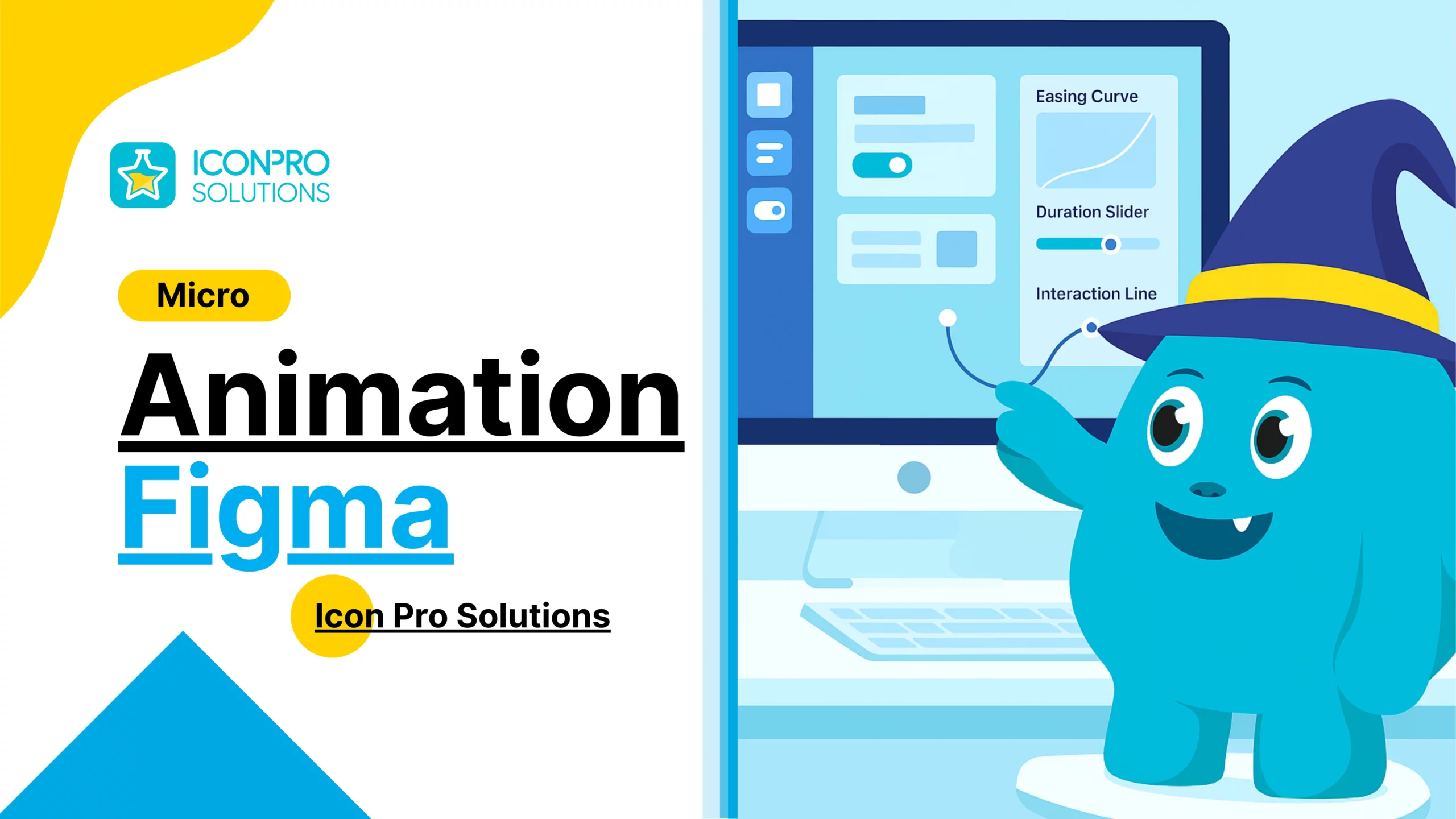
Micro Animation in Figma by Icon Pro Solutions Guide
Micro animation is one of the most effective tools designers can use to make interfaces feel alive, intuitive, and engaging. These small movements guide users, give feedback, and improve the overall experience without distracting from the main content. When done right, micro animation turns a functional design into an engaging product.
In this post, we explain what micro animation is, why it matters, and how designers can implement it in Figma to improve interactions and user satisfaction.
What Is Micro Animation
Micro animation refers to subtle animations that occur in response to user interactions or system changes. These include button hover effects, loading indicators, feedback after actions, toggles, transitions between screens, and small movements that communicate status.
Unlike large animations that grab attention, micro animations are subtle and purposeful. They enhance clarity and provide context without interrupting the user’s focus.
Why Micro Animation Matters in Interface Design
Micro animation supports users in several ways:
• Provides Feedback: Users see confirmation when an action occurs, like a button press or form submission.
• Guides Attention: Animated cues help guide users to important parts of the interface.
• Improves Clarity: Transitions and motion help make connections between interface states clear.
• Adds Personality: Thoughtful motion gives products a refined, modern feel.
These effects make interfaces feel more responsive, easier to understand, and more enjoyable to use.
Micro Animation and User Experience
When users interact with digital products, they look for cues that their actions have been recognised. Micro animation provides that instant feedback.
For example, a button that changes shape or color when clicked helps users understand that the interface has accepted their action. A subtle loading animation reassures users that the system is working when a process takes time.
Well implemented micro animation improves confidence and reduces friction in interactions.
Using Figma to Create Micro Animation
Figma is a powerful tool for designing and prototyping micro animations. With Figma, designers can define interactive components, transitions, and motion properties that simulate real interface behavior. These prototypes help stakeholders and developers understand how interactions should feel before development begins.
Using Figma for micro animation helps designers:
• Visualize timing and easing
• Create interactive prototypes
• Communicate motion intentions clearly
• Test interactions before development
This makes the design process more efficient and helps bridge the gap between design and implementation.
Best Practices for Micro Animation in Figma
To make micro animation effective, follow these design principles:
Keep It Purposeful
Only use motion when it adds clarity or feedback. Avoid unnecessary movement that distracts or slows down the experience.
Use Consistent Timing and Easing
Smooth timing and consistent easing patterns make animations feel natural. Abrupt or inconsistent motion can feel jarring.
Focus on Feedback
Animations that respond to user actions should feel immediate. Feedback helps users understand results without confusion.
Consider Performance
Complex or heavy animations can slow down interfaces. Use motion sparingly and with consideration for performance, especially on mobile devices.
Test With Real Users
User reactions help refine motion. What feels clear in design may feel slow or distracting in practice. Test interactions to make improvements.
Examples of Micro Animation in UI
Common interface moments that benefit from micro animation include:
• Button feedback on hover or press
• Form field focus states
• Error and success confirmations
• Navigation transitions
• Loading indicators
• Progress feedback
• Dropdown expansions
Each interaction helps users understand what is happening and where they are in a process. These small enhancements make the interface feel polished and responsive.
The Role of Micro Animation in Branding
When motion aligns with brand style, it reinforces identity. Subtle motion that reflects brand character can make experiences feel more cohesive. This contributes to user recognition and brand recall without distracting from function.
Motion becomes part of the design language that supports consistency across screens and features.
Bringing Designs to Life With Micro Animation
Micro animation is not just decoration. It is a tool designers use to guide users, provide feedback, and make interactions intuitive. When micro animation is thoughtful and purposeful, it improves usability and creates a more engaging experience.
Using tools like Figma, designers can prototype, test, and refine motion early in the design process. This approach leads to better communication with developers and stronger final products.
Start Designing With Micro Animation in Figma
If you want to improve your interface design, start by identifying moments where users need feedback or guidance. Use Figma to prototype those interactions, test with real users, and refine motion for clarity and comfort.
Micro animation is a powerful addition to modern UI design. When used with intention, it makes digital products feel more responsive, human, and enjoyable.